What the job does
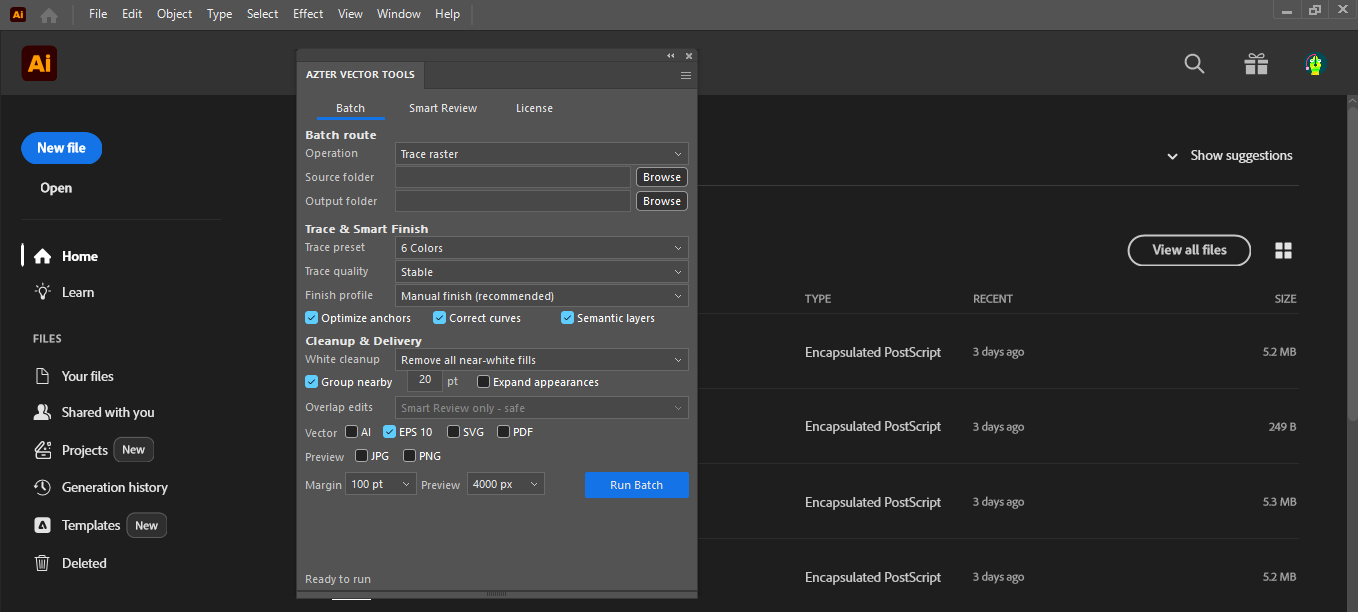
AZTER scales top-level artwork proportionally around its center, keeps stroke scaling enabled, refits the active artboard, and saves the selected vector formats.
Source files, output, and settings
Source files: AI, EPS, and SVG vector files.
Output: Resized AI, EPS, or SVG files.
- Proportional artwork scale
- Center-based scaling
- Stroke scaling
- Selected vector output formats
Jobs that fit this workflow
Group files that need the same production rule. The output will be easier to review, and you can repeat the job with the same settings.
- Normalizing artwork before submission
- Preparing consistent asset families
- Creating a resized delivery set without altering masters
Checks before a larger batch
A batch handles repeatable steps. Visual choices still need review.
- Resize changes the artwork geometry and then refits the artboard.
- Very fine strokes should be checked at the target size.
- Files that need different size rules belong in separate batches.
Workflow
Run a batch in four steps
- 01
Group files that need the same target size.
- 02
Choose separate source and output folders.
- 03
Set the scale or target rule and output formats.
- 04
Run the batch, then verify dimensions and stroke appearance.
FAQ
Frequently asked questions
Which Adobe Illustrator versions are supported?
Adobe Illustrator CC 2019, 2020–2026 on 64-bit Windows.
Will AZTER overwrite source files?
No. You choose separate source and output folders. If an output name already exists, AZTER adds a number. It replaces an existing file only when you turn on Overwrite.
Can I try it before purchasing?
Yes. The trial covers up to 10 source files and requires an internet connection. Purchase and activation take place from the License screen in the app.
How many devices does one license cover?
One license covers two Windows devices for either CorelDRAW or Illustrator. The editions are sold separately.