Choose the edition for your design app
The Illustrator and CorelDRAW editions are licensed separately. They share the same source-to-output approach, while formats and operations follow the capabilities of each host application.
- Illustrator: Trace, Clean, Preview, Scale, format conversion, and Smart Review
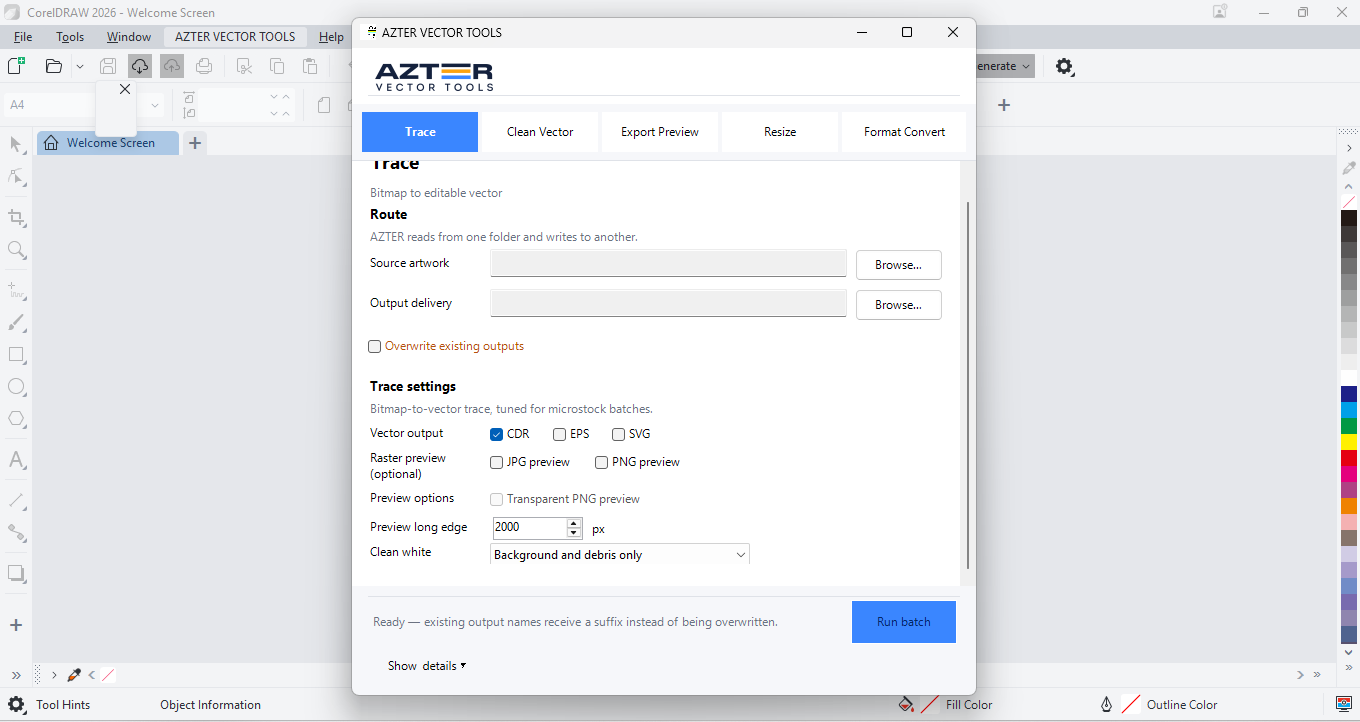
- CorelDRAW: Trace, Clean Vector, Export Preview, Resize, and Format Convert
Work that fits a batch
Batch processing fits steps that repeat, inputs that share a condition, and outputs with a defined specification.
- Vectorize a set of raster images
- Remove debris or outside-page objects
- Normalize artwork size
- Create JPG/PNG previews
- Convert one folder format to another
When manual work is still the right choice
Stay manual when every file needs a different artistic decision, custom retouching, or a structural edit that cannot be expressed as one folder rule.
Workflow
One operating pattern across both editions
- 01
Prepare a folder with similar file conditions.
- 02
Open the AZTER edition for the host application.
- 03
Choose the job and a separate output folder.
- 04
Run it, then review the summary and sample outputs.
Illustrator or CorelDRAW?
| Consideration | Illustrator edition | CorelDRAW edition |
|---|---|---|
| Primary vector formats | AI, EPS, SVG | CDR, EPS, SVG, PDF |
| Raster trace inputs | BMP, GIF, JPG, PNG, PSD, TIFF | BMP, JPG, PNG, TIFF |
| Active-document review | Smart Review | Not included |
| License | Sold separately | Sold separately |
FAQ
Frequently asked questions
Does one license include both editions?
No. The CorelDRAW and Illustrator editions are separate products. Each license covers one edition on two Windows devices.
Do both editions have identical features?
Not exactly. The batch approach is similar, but formats and operations follow the capabilities of CorelDRAW or Illustrator.
Can I try both editions?
Yes. Each Microsoft Store edition includes a trial for up to 10 source files before purchase.