Available on Microsoft Store

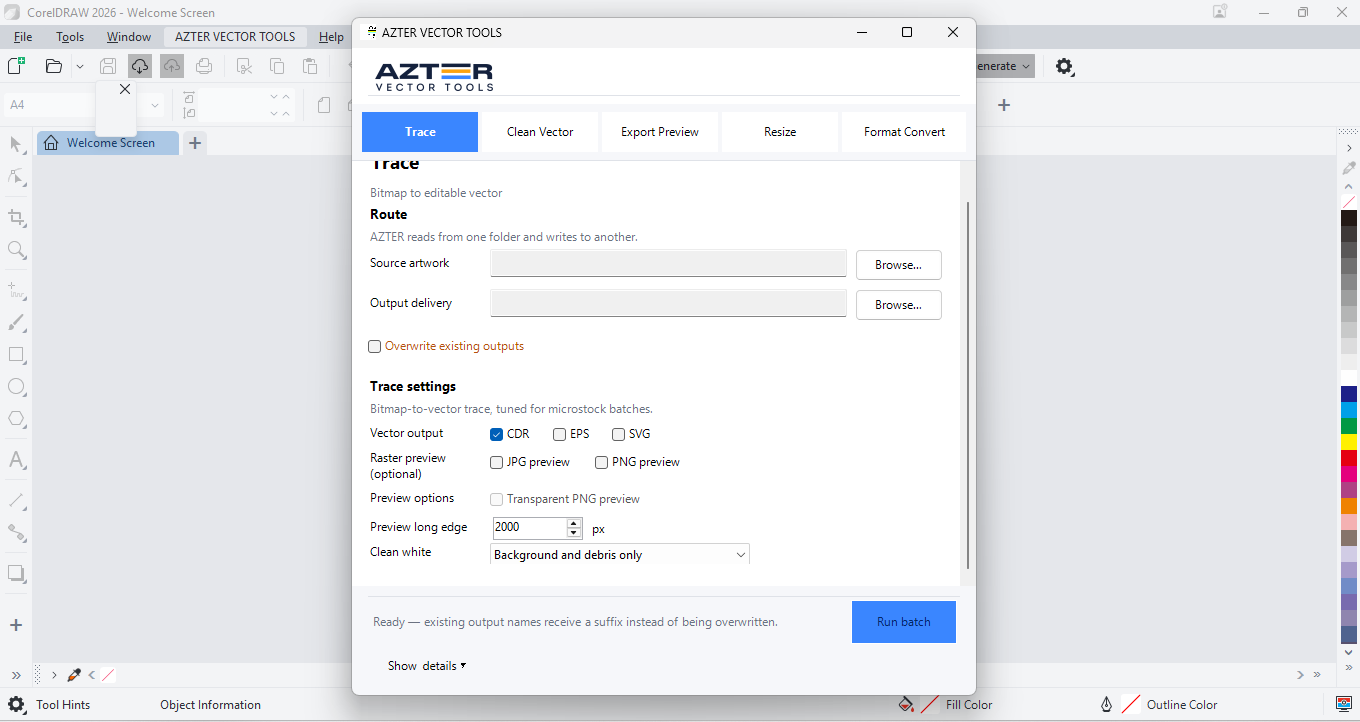
01 / CorelDRAW
For CorelDRAW
Five batch jobs for tracing, vector cleanup, previews, resizing, and format conversion inside CorelDRAW.
CorelDRAW X7, X8, 2017–2026 · 64-bit Windows
Open in Microsoft Store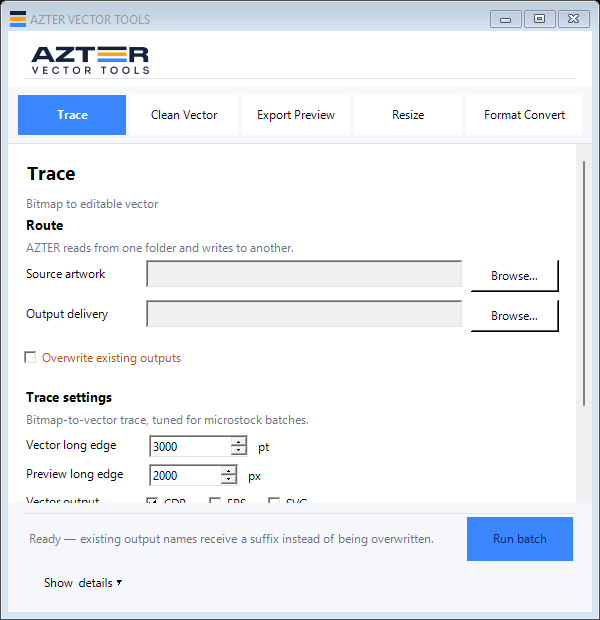

Batch vector tools for Windows
Trace bitmaps, clean vectors, resize artwork, convert formats, and create previews without opening files one at a time.
Both editions are available on Microsoft Store and can be tried before you buy a license.
For CorelDRAW01 / 02
Cut repetitive steps
AZTER processes each file into the output folder you choose. The source files stay in place, and the summary shows the result of every file in the batch.
Turn BMP, JPG, PNG, or TIFF files into editable vector artwork.
Remove white fills, off-page objects, and overlapping elements.
Create JPG or transparent PNG files for review and delivery.
Apply a consistent artwork size across an entire folder.
Create the vector formats you need without repeating the same manual steps.
Browse by task
Each page covers source files, output, limits, and the checks to make before delivery.
Choose your design app
The CorelDRAW and Illustrator editions are separate products with separate licenses.
Available on Microsoft Store
01 / CorelDRAW
Five batch jobs for tracing, vector cleanup, previews, resizing, and format conversion inside CorelDRAW.
CorelDRAW X7, X8, 2017–2026 · 64-bit Windows
Open in Microsoft StoreAvailable on Microsoft Store

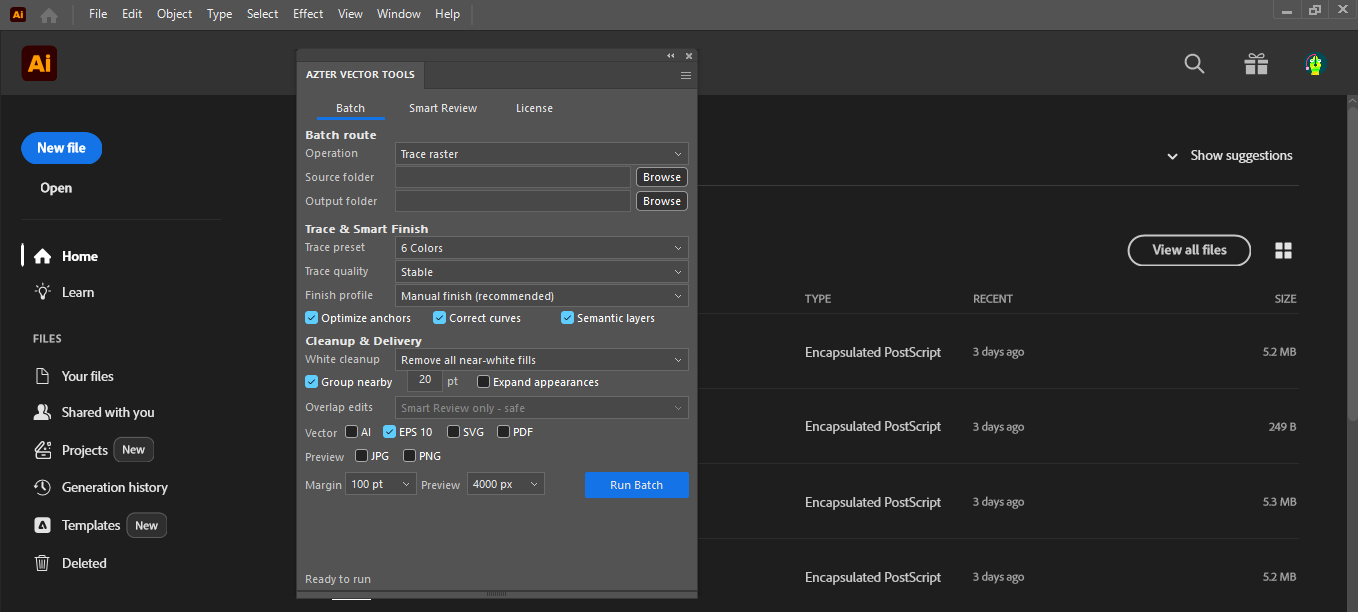
02 / Illustrator
Batch trace, clean, preview, scale, SVG-to-EPS, and Smart Review for tidying the active document.
Adobe Illustrator CC 2019, 2020–2026 · 64-bit Windows
Open in Microsoft Store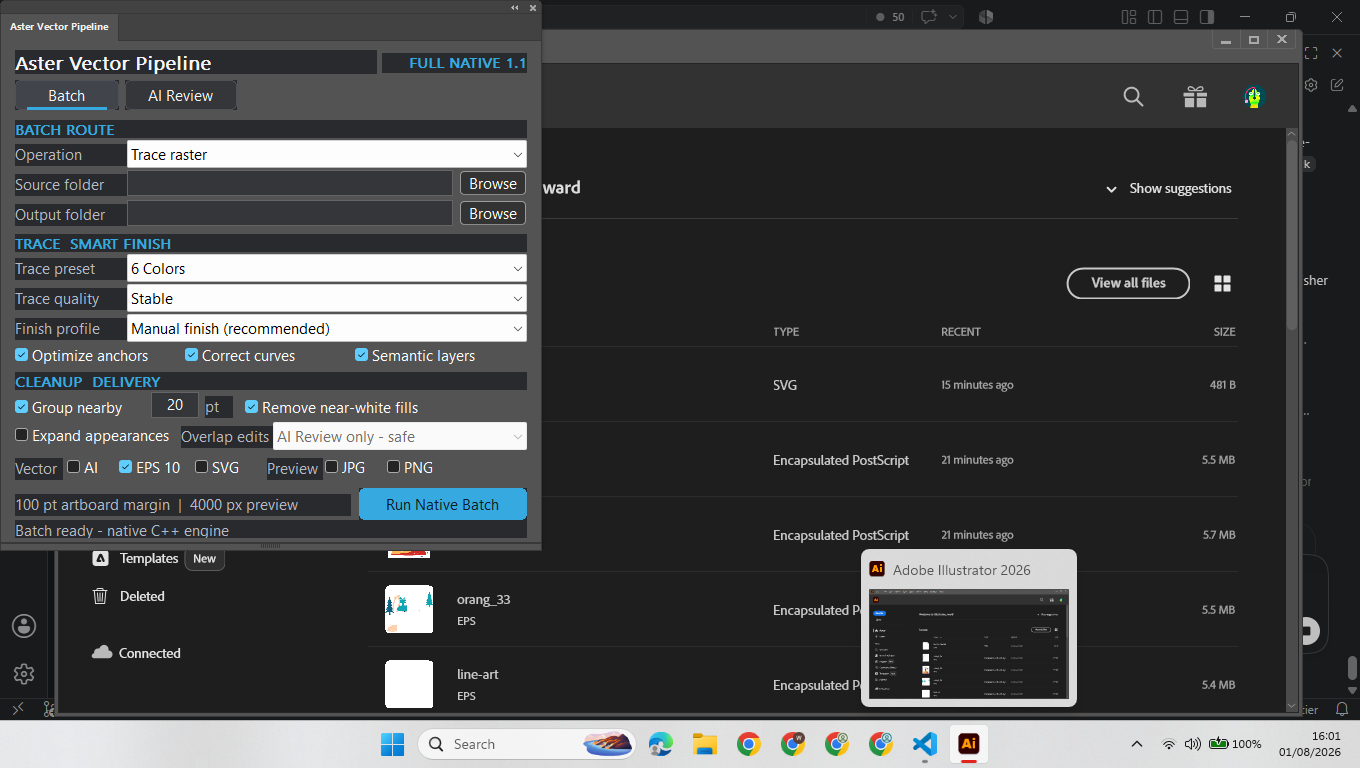
Before you install
AZTER supports CorelDRAW X7, X8, 2017–2026 and Adobe Illustrator CC 2019, 2020–2026 on Windows. Choose the Store edition that matches the design app already installed on your computer.
Official pricing
Install AZTER from Microsoft Store. After trying it, purchase and activation take place from the License screen inside the app.
Perpetual license
US$9
Pay once and use it offline after activation.
Official Microsoft Store listings
Both editions are published by WD DIGI on Microsoft Store. Choose the one that matches your installed design app.