
Before you begin
- Artwork dimensions and page dimensions are not interchangeable.
- Proportional center-based scaling protects aspect ratio.
- Stroke appearance should remain consistent with the scaled geometry.
- Different target sizes should be processed separately.
Test the size rule on one file
Manual processing suits a small set or a rule that has not been tested yet.
- Measure the visible artwork.
- Set the intended target long edge.
- Scale artwork proportionally around its center.
- Refit the page and inspect strokes and small shapes.
Quality checks before delivery
Open representative outputs and review the actual vector or raster file at the size and in the application that matters.
- Artwork long edge
- Aspect ratio
- Stroke weight
- Page fit and small details
Troubleshooting
Keep the source unchanged while you diagnose a failed file. Other files in the batch can continue.
- If only raster output size matters, use Export Preview.
- If artwork is distorted, confirm proportional scaling is the intended operation.
- If some files need special treatment, remove them from the shared batch.
Workflow
Batch workflow in AZTER
Start the batch after grouping the source files and defining the output.
- 01
Group CDR, EPS, SVG, or PDF files by target size.
- 02
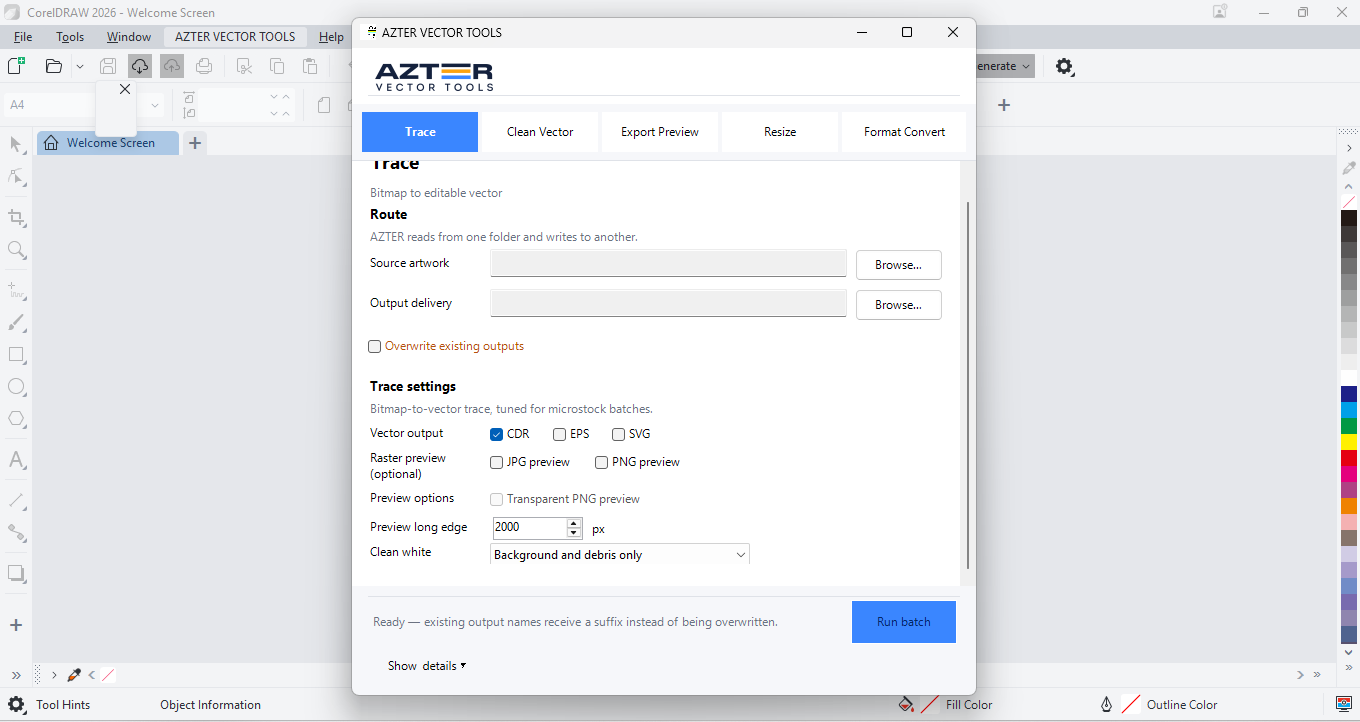
Choose Resize in AZTER.
- 03
Select separate source and output folders.
- 04
Set the target long-edge dimension and output format.
- 05
Run the batch and verify dimensions, page fit, and strokes.
FAQ
Frequently asked questions
Should I test every batch on a small set first?
Yes. Use representative files, including at least one difficult example, before applying one rule to a large folder.
Does AZTER change the source files?
No. AZTER uses separate source and output folders. If an output name already exists, AZTER adds a number. It replaces an existing file only when you enable Overwrite.
What happens if one file fails?
The failure is reported and ordinary per-file failures do not stop the rest of the batch. Review the completion summary and handle the exception separately.